Skip to content
Thryve

Firefox vs Tor Browser

Browser trade-offs between everyday open-source browsing and stronger anonymity-oriented defaults.

Privacy dimensions side by side

Every cell is taken from the same structured product profile used on software pages. Unknown values remain visible as Not confirmed.

Privacy comparison of Firefox, Tor Browser
DimensionFirefoxTor Browser
ArchitectureHybridPrivacy-minimizing cloud
ProcessingHybridPrivacy-minimizing cloud
StorageLocal deviceTemporary
Account requirementsOptional accountNo account
TrackingPrivacy-preserving analyticsNone detected
Source availabilityOpen sourceOpen source
Offline supportPartialNo
EncryptionE2EE: Partial; at rest: PartialE2EE: No; at rest: Partial
Self-hostingNoNo
AI usageThird-party AINo AI
PricingFree — Firefox is free to download and use.Donation — Tor Browser is free and open source; donations support The Tor Project.
PlatformsDesktop, MobileDesktop, Mobile
Review statusListed · Last reviewed Not yet reviewedListed · Last reviewed Not yet reviewed

Contextual trade-offs

These notes describe when one option may fit a situation better. They are not overall rankings and do not replace reading full privacy profiles.

  • Better for everyday browsing and extensions

    Firefox

    Firefox is built as a general browser with broad site compatibility and extension ecosystems when you need day-to-day web use with configurable protections.

    View privacy profile
  • Better for anonymity-oriented browsing defaults

    Tor Browser

    Tor Browser prioritizes routing and fingerprinting defenses for higher anonymity goals, accepting slower performance and stricter compatibility trade-offs.

    View privacy profile
  • Better when speed and site compatibility matter most

    Firefox

    Direct connections and a mainstream browser profile usually work better for latency-sensitive or heavily scripted sites than Tor’s circuit model.

    View privacy profile
  • Better when hiding network origin is the primary goal

    Tor Browser

    If the main requirement is reducing linkability of your IP and browser fingerprint to destination sites, Tor Browser is the closer fit.

    View privacy profile

How to read this comparison

Firefox and Tor Browser share open-source roots but optimize for different privacy goals. Firefox is a general-purpose browser with configurable tracking protections. Tor Browser routes traffic over Tor and hardens fingerprinting resistance for stronger anonymity goals, usually with performance and compatibility costs.


No universal winner

Anonymity, tracking resistance, and everyday usability pull in different directions. Tor Browser is not “Firefox plus a score boost”—it is a different threat model. Neither replaces careful site choices or account hygiene.

Products in this comparison

  • Firefox homepage showing the web browser
    Firefox logo

    Firefox

    An open-source web browser with tracking protection, optional synchronization, and configurable data-collection controls.

    • Hybrid
    • Open source
    • Optional account
    • Partial offline
    • Desktop · Mobile
    Free
    View privacy profile
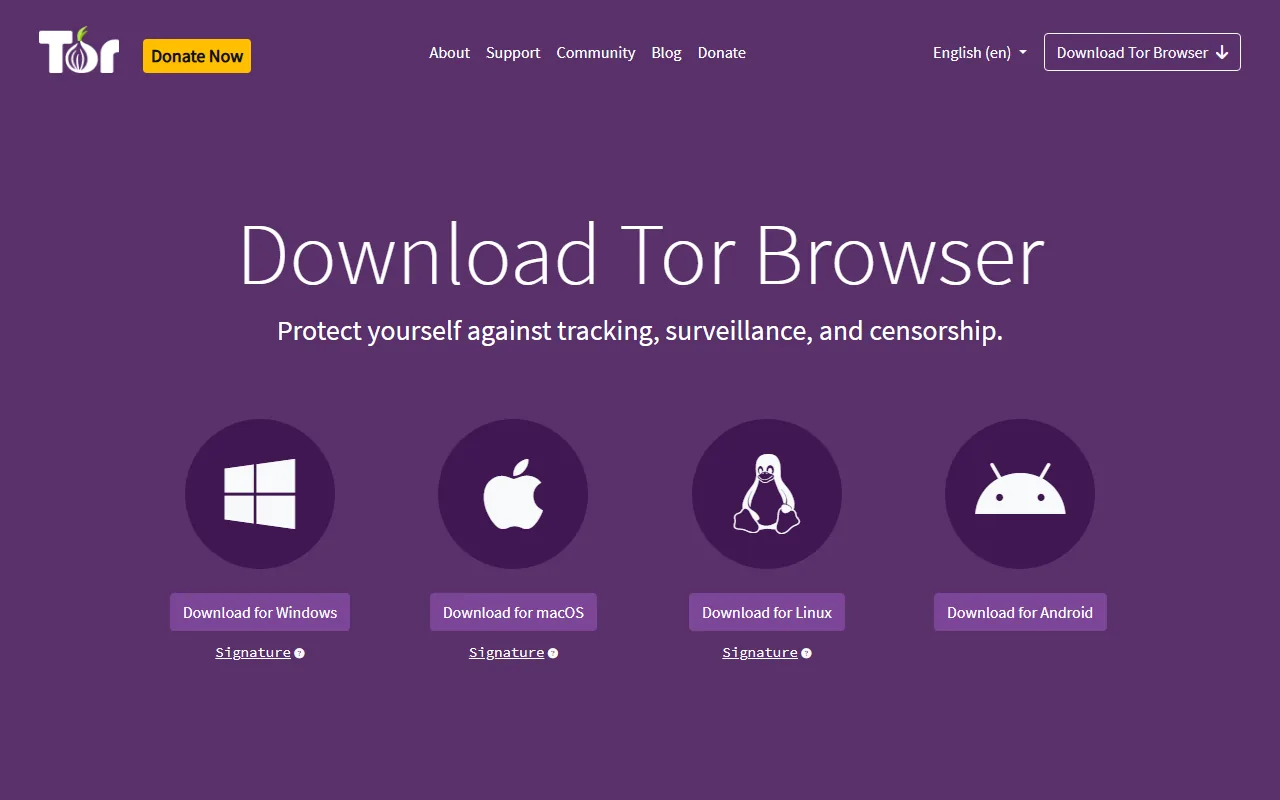
  • Tor Project download page for Tor Browser
    Tor Browser logo

    Tor Browser

    A privacy-focused browser that routes traffic through the Tor network and standardizes browser behavior to reduce tracking and fingerprinting.

    • Privacy-minimizing cloud
    • Open source
    • No account
    • Desktop · Mobile
    Donation
    View privacy profile