


A workspace that keeps your files private.
Thryve OS is a browser workspace for document editing, file conversion, transcription, and AI. Most tools run entirely on your device. When cloud processing is used, nothing is stored.
- No data stored
- No sign-up required
- Open web standards
.da67d66e.png) Chrome
Chrome.162700df.png) Edge
Edge Safari
 Firefox
What is Thryve OS
A private browser workspace with every Thryve tool.
First-party tools only
Every product on this page is built by Thryve. Independent software discovery is a separate platform layer.
16 offline tools unlocked
One payment removes free-tier export limits on the offline suite. Prices come from the live product catalogue.
Thryve Scribe · Thryve Resume
These products are available in the workspace but are not covered by the Thryve OS Pro license.
Product UI
Focused tools that keep work local.
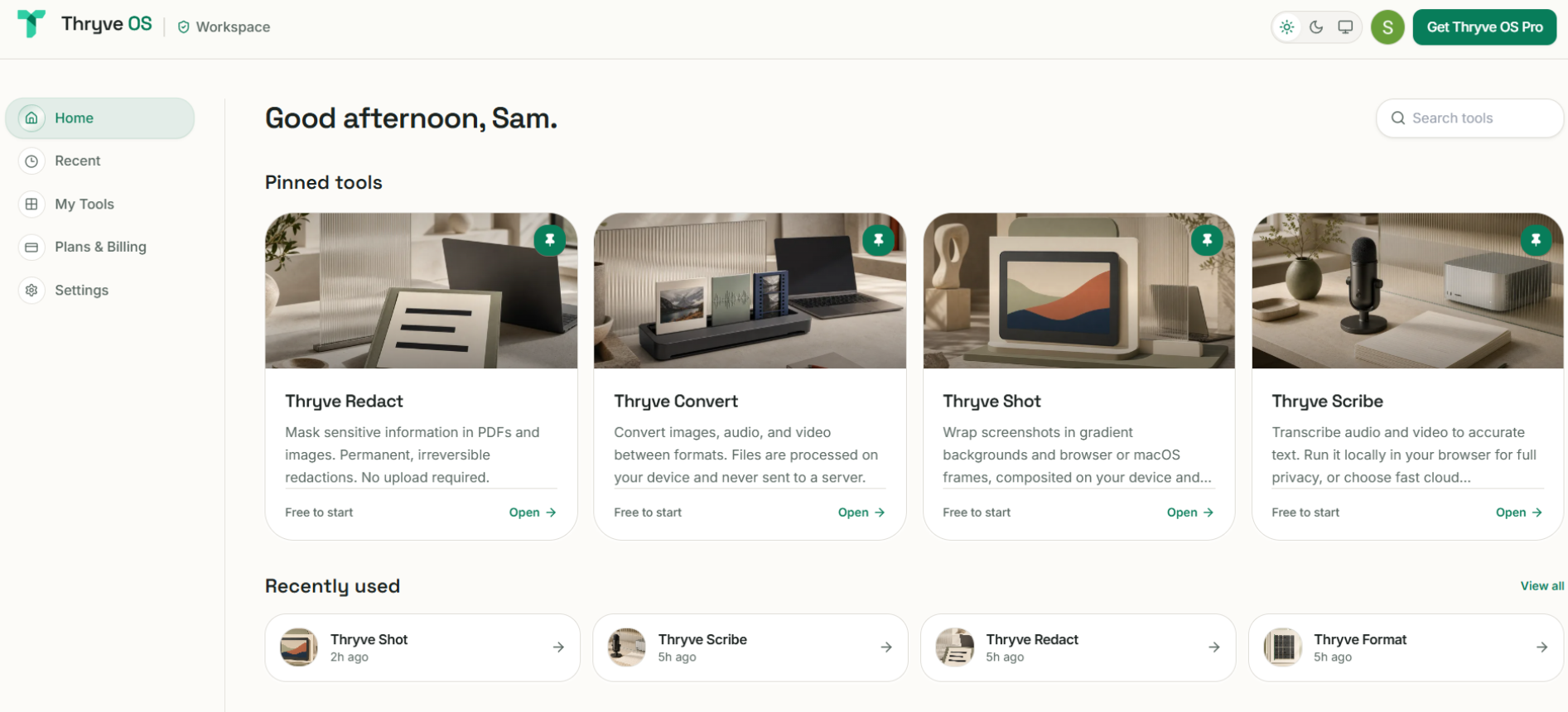
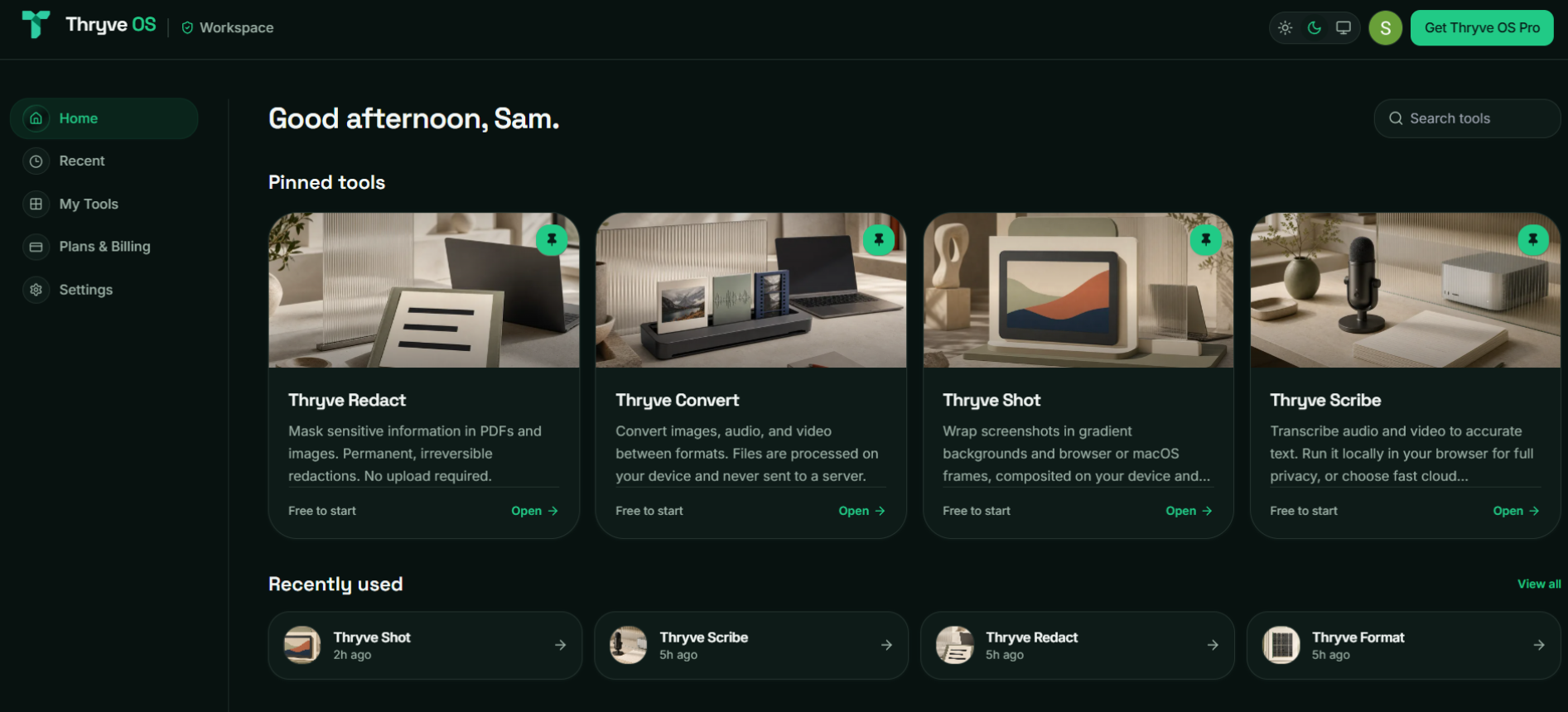
Privacy architecture
Privacy is built into the architecture.
Most online tools upload your file to a server, process it remotely, and send it back. Thryve OS processes offline work in your browser. When a cloud feature is used, nothing is ever stored.
Device boundary
Memory only
Active Session
Cloud calls
Opt-in only
Output owner
You
Runs entirely in your browser
WebGPU and WebAssembly accelerate OCR, speech recognition, and local AI models using your own hardware. Offline tools do not send files to an external server.
No storage for file work
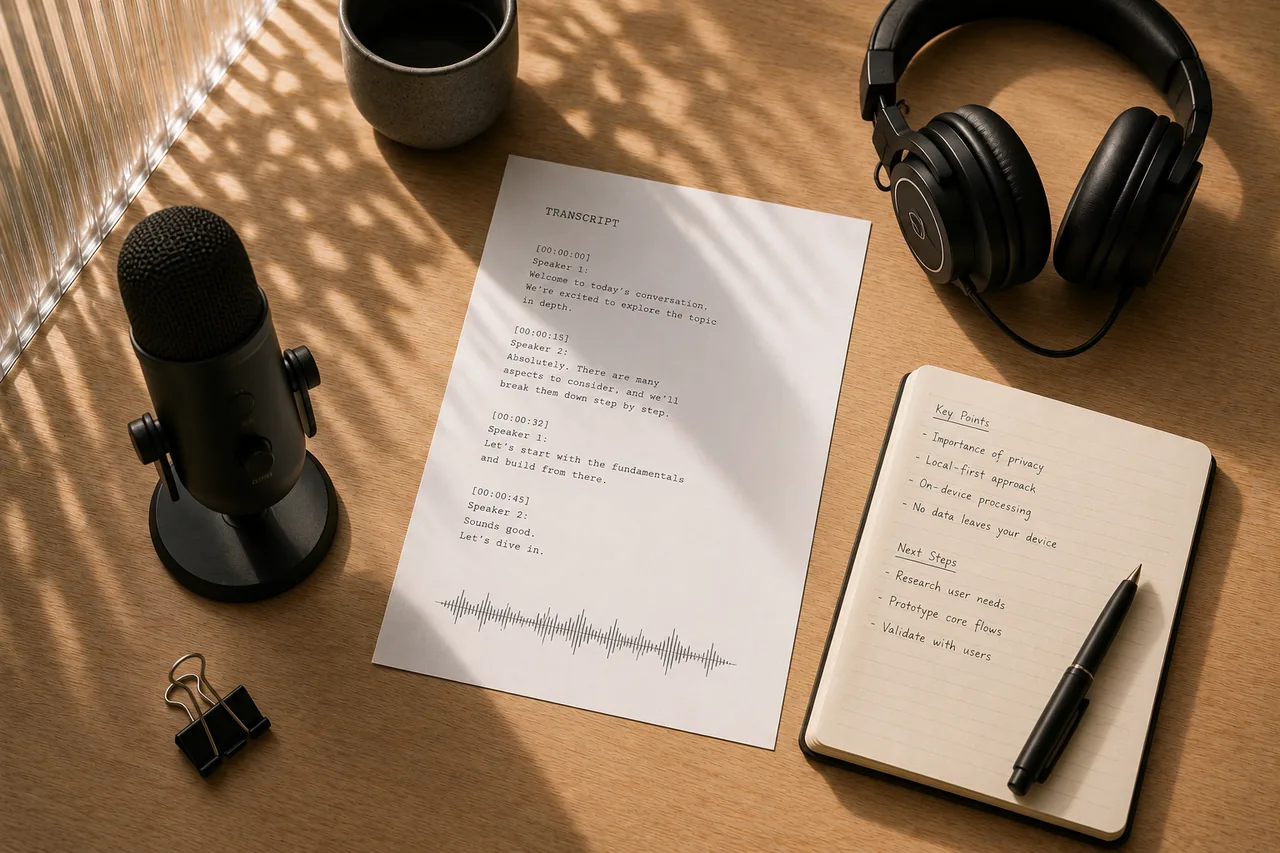
File tools process files on your device. When Scribe uses optional cloud transcription, audio is processed in memory and never written to disk or stored.
You stay in control
Cloud features are opt-in, not the default. When AI inference requires a network call, only the minimum necessary data is sent and nothing is retained after the response.
| Capability | Thryve OS | Typical online tool |
|---|---|---|
| Files sent to a server | ||
| Local processing | ||
| Data stored on servers | Often | |
| Browser-based |
Workspace tools
Privacy-first tools in one workspace.


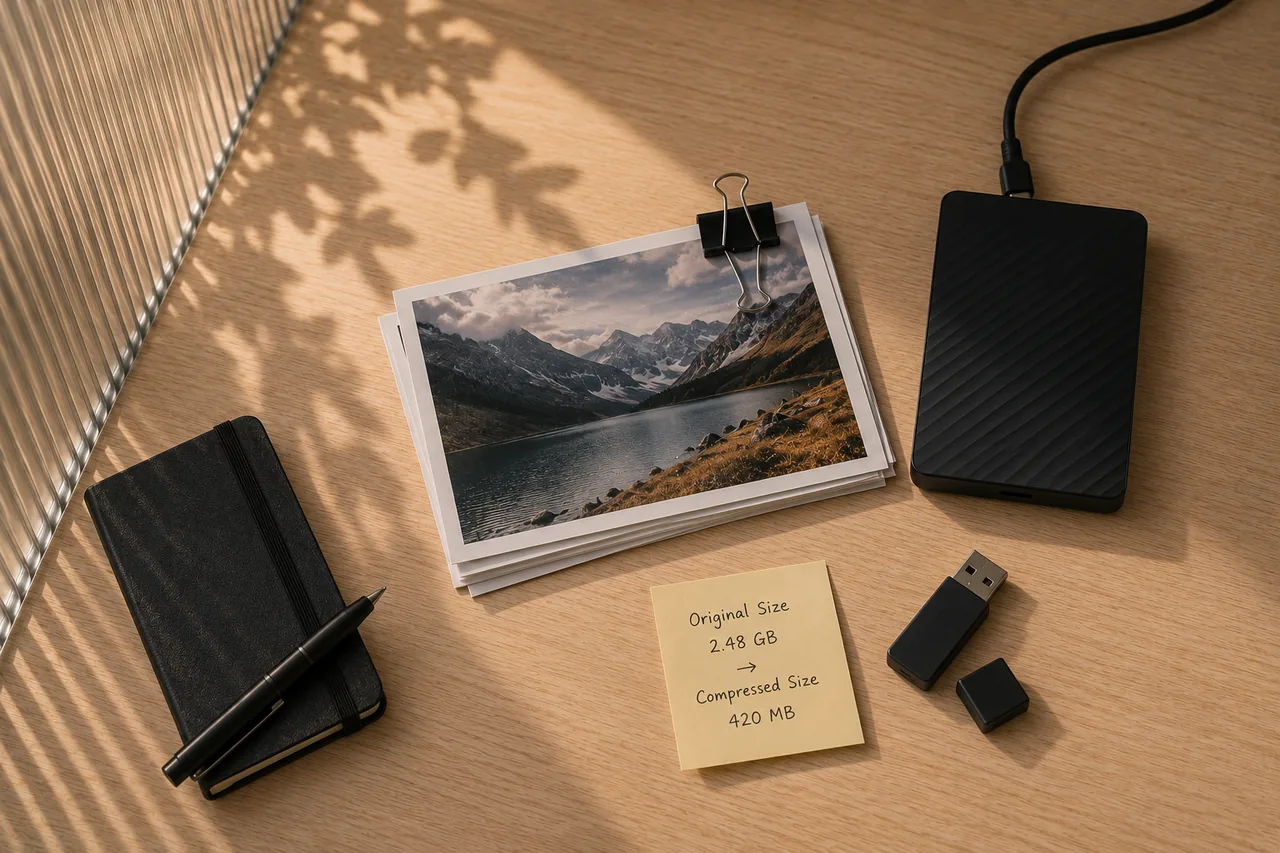
Thryve Redact
Permanently remove PII and other sensitive information from PDFs and images with automatic detection and local processing.
- Auto-PII detection
- 100% on-device
- Irreversible redaction
Pricing
Simple pricing that scales with how you work
Start free with monthly limits, unlock a single tool when you need it, or get the full offline suite with Thryve OS Pro.
Free
Use every tool with its included free allowance.
What you get
- All 18 tools with per-tool free allowances
- On-device processing for offline tools
- Scribe: 3 local transcripts every 24 hours
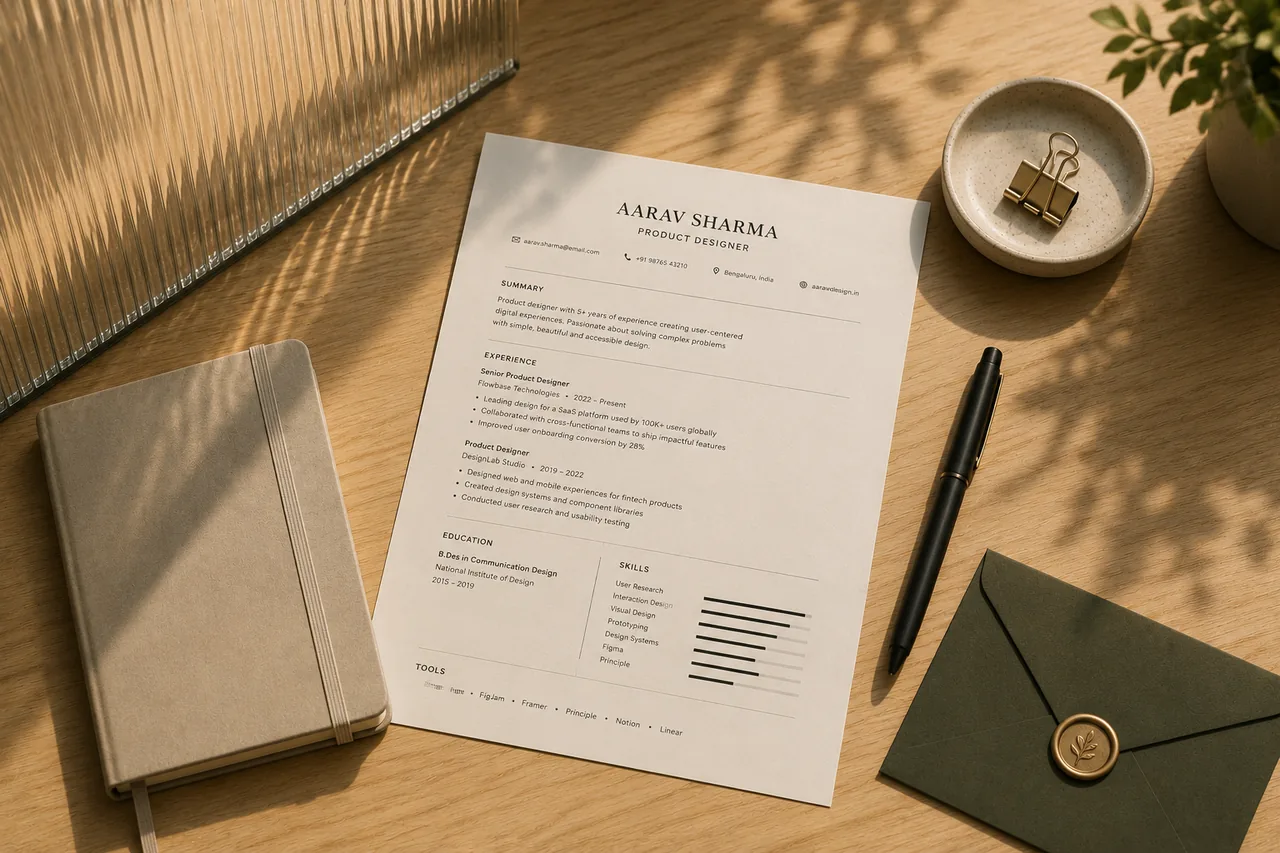
- Resume: one local resume, manual editing, and ATS checks
- No account needed to get started
- No payment method required
Thryve OS Pro
Best valueOne payment for every offline tool. Scribe and Resume are not part of this license.
What you get
- All 16 offline tools fully unlocked
- Pay once, use them without recurring fees
- Private on-device processing
- Scribe (own plan)
- Resume Pro (own plan)
Single Tool
Only need one tool? Unlock just that entitlement.
What you get
- One tool, fully unlocked
- 16 offline tools: $3 or $5 one-time
- Scribe: $5/mo local or $20/mo with cloud
- Resume Pro: $6/mo with cloud AI and unlimited resumes
- Access to all 18 tools
Free allowances vary by tool. Thryve OS Pro is a one-time license for all 16 offline tools. Scribe and Resume are billed on their own plans. Prices in USD.
FAQ
Common questions about Thryve OS
What is included in Thryve OS Pro?
Where do my files go?
Do I need an account to start?
How are Scribe and Resume priced?
How does Thryve OS relate to the Thryve platform?
One payment. Every offline tool. Nothing stored.
Unlock all 16 offline tools for $39 once. Scribe and Resume have their own plans, and your files stay on your device.